Portfolio
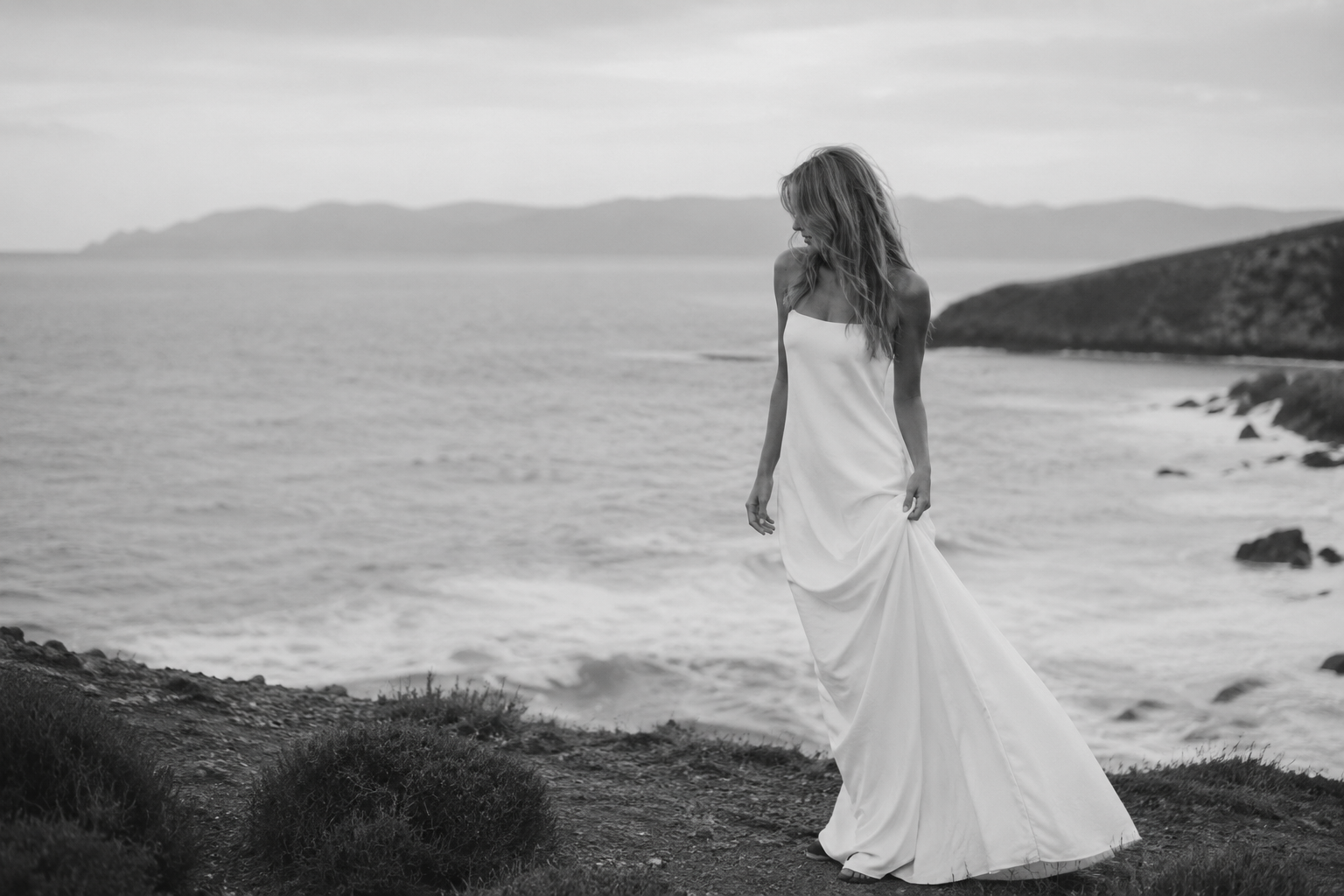
The best photographs don't just document a moment, they make people feel something long after they've looked away.
Your wedding isn't a photoshoot—it's a story unfolding in real time. We capture it with an editorial eye and a documentary heart, creating images that feel effortless today and priceless decades from now.
DOCUMENTING THE MOMENTS YOU'LL RETURN TO FOREVER.
Return Canvas
5. SEO & AI Search Best Practices
To maximise discoverability:
Following these practices preserves the visual effect while making the page easier for search engines, AI search systems and assistive technologies to understand.
- Write descriptive, page-specific alt text (as per no4).
- Keep headings and copy as native Showit text (not embedded in the image).
- Optimise image file size before uploading.
- Use high-quality images (around 2000–2500px wide for desktop heroes).
- Keep the image filename descriptive where practical (e.g. alder-house-living-room.jpg rather than IMG_1234.jpg).
Following these practices preserves the visual effect while making the page easier for search engines, AI search systems and assistive technologies to understand.
4. Writing the Alt Text | Improves your rankings and website accessibility
Locate:
alt="Sunset over the sea viewed from a sandy beach"
Replace it with a description that explains why the image is on the page, not simply what objects appear.
Good
alt="Luxury interior design project featuring a contemporary open-plan living room."
Better
alt="The Alder House residential interior design project by Studio North."
Avoid
alt="image"
alt="photo"
alt="interior designer luxury modern London best interior design"
3. Changing the image
Locate:
<img
class="scroll-zoom-image"
src="YOUR IMAGE URL"
>
Replace only the URL:
src="https://static.showit.com/file/..."
You can find the image URL by clicking at the connect buttom (top right) in the respective image inside your Media Library
2. Important: Keep all heights the same
Whenever you change the animation height, the following must always match.
Code
.scroll-zoom-embed
height: XXXXpx
.scroll-zoom-wrapper
height: XXXXpx
Showit
The Canvas height
↓
The Embed Code box height
↓
The CSS heights
All four values should be identical.
Example:
Canvas
3000px
Embed Box
3000px
.scroll-zoom-embed
3000px
.scroll-zoom-wrapper
3000px
1. Changing the starting image size
Instructions on Desktop :)
Instructions for your new
Image Grow on Scroll
Customisation options